The best shared inbox software depends on what lands in the inbox: Front and Help Scout for support, Drag and Gmelius for Gmail teams, and Revbound (ours) for cold email replies from your sequencers, with Master Inbox as another sales-reply option.
Shared inbox software lets a team answer one inbox together, with each email assigned to one person. Start by asking what kind of email you share: customer support, everyday team email or cold email replies.
Support: Help Scout has a free plan for 5 users, and Front starts at $25 per seat a month on annual billing.
Cold email replies: Revbound, our product and our pick for outbound teams, puts every sequencer reply in one inbox with free calendar times and automatic booking, from $49 a month. Master Inbox shares prices on a call.
Team email: Missive starts at $18 per user a month and adds SMS and WhatsApp to the same inbox.
Gmail teams: Drag starts at $16 per user a month and Gmelius shared inboxes start at $33, both inside Gmail.
B2B support in Slack: Pylon starts at $89 per seat on an annual contract.
Summary
The 10 best shared inbox tools at a glance
#
Tool
Type
Best for
Starts at
Free plan or trial
1
Front
Support
Shared inbox plus ticketing
$25 per seat (annual)
14-day free trial
2
Revbound (ours)
Sales replies
Outbound / cold-email reply inboxes (ours)
$49 a month
3-day free trial
3
Help Scout
Support
Small support teams
Free, then $30 per user
Free plan; 15-day trial
4
Missive
Collaboration
Email, SMS and chat in one team app
$18 per user
30-day free trial
5
Drag
Gmail
Shared inbox inside Gmail
$16 per user
7-day free trial
6
Gmelius
Gmail
AI agents in Google Workspace
$33 per user for shared inboxes
7-day free trial
7
HelpCrunch
Support
Live chat plus inbox
$12 a month, 1 member
Free trial
8
HelpSpot
Help desk
Email to tickets, self-host option
$2,199 a year, 10 agents
21-day free trial
9
Pylon
B2B support
Slack and Teams support
$89 per seat (annual)
Trial via sales
10
Master Inbox
Sales replies
Replies from sequencers and LinkedIn
Not public
Book a call
Prices are monthly billing rates from each vendor's pricing page on 9 Nov 2026, unless the vendor only shows annual billing. Per-seat tools are priced per user a month.
Context
Support inboxes vs sales inboxes
Most shared inbox guides assume one thing: customers write in and a support team answers. Front, Help Scout, HelpCrunch, HelpSpot and Pylon are built for that. They add ticketing, SLAs, a help center and chat.
Outbound sales teams have a different problem. Replies to cold email land in dozens of sending mailboxes spread across tools such as Instantly and Smartlead. A support desk cannot read those, so a sales reply inbox connects to the sequencers instead.
Support inbox
Customers write to one address. You need assignment, SLAs, saved replies and a help center.
Team email
Several people share client or ops email. You need notes in the thread, tasks and clear ownership.
Gmail add-on
Your team lives in Gmail and does not want a new app. You need shared labels and assignment inside Gmail.
B2B support
Customers message you in Slack or Teams. You need those channels in the same queue as email.
Sales replies
Replies come from cold email sequencers. You need intent labels, fast answers and meeting booking.
Method
How we picked
Real shared inbox
Each tool lets several people work one inbox with assignment or ownership.
Public pricing
Each price comes from the vendor's own pricing page, fetched on 9 Nov 2026.
Free entry
We note a free plan or trial wherever the vendor lists one.
Honest limits
Each card lists weaknesses, including seat caps and paid add-ons.
Our own tool
Revbound is ours. We rank it #2 as our pick for cold email reply inboxes and mark it clearly.
We did not hands-on test every product for this update. The descriptions come from each vendor's homepage and pricing page. We kept the list to ten, so some well-known tools such as Hiver are not covered here.
1Front, support
Best for
Support and ops teams that want shared inboxes plus ticketing
Front homepage
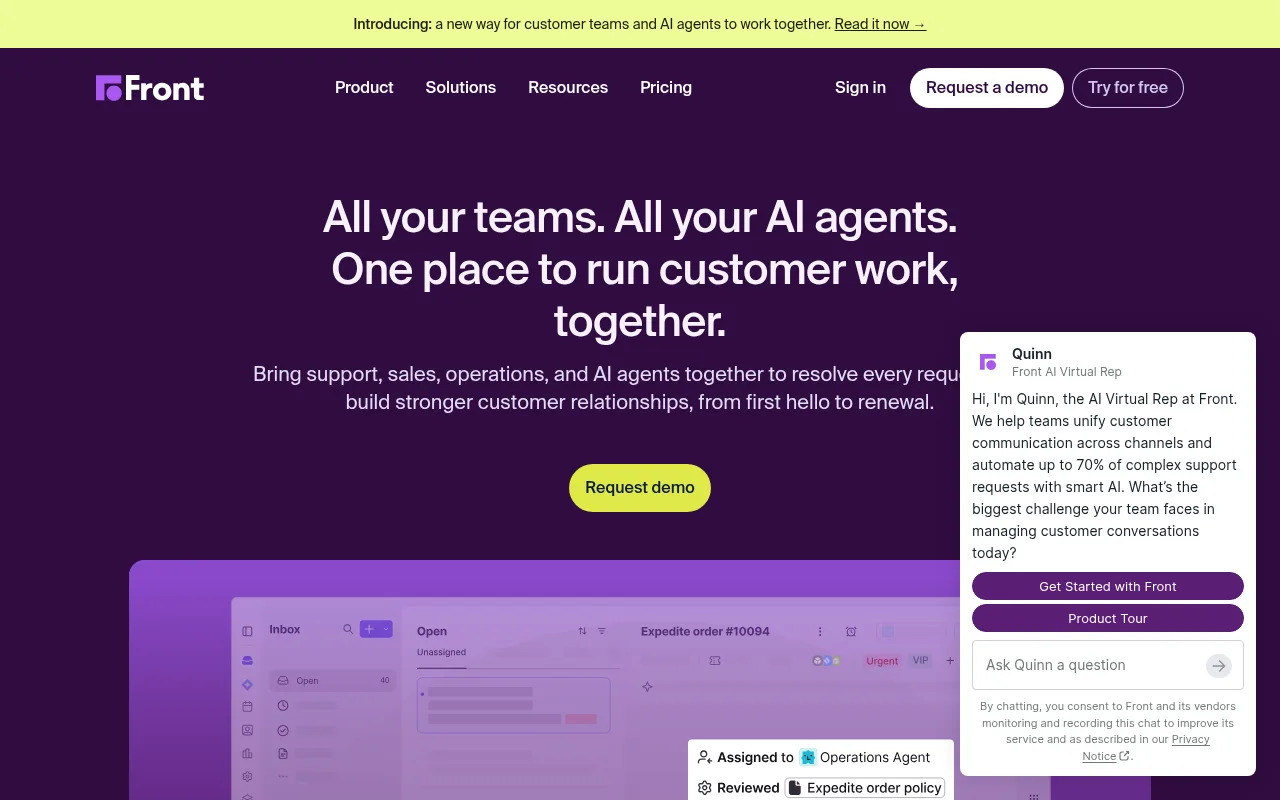
Front puts shared inboxes and ticketing in one workspace, with assignments, tags, internal comments and shared drafts. Its pricing page says it is trusted by 9,300+ businesses.
Starter covers one channel type, AI Topics, up to 10 automation rules and basic analytics, for up to 10 seats. Professional adds omnichannel (email, SMS, social and more), macros, multiple workspaces, SSO and SCIM, for up to 50 seats.
AI is mostly an add-on below Enterprise. Copilot costs $20 per seat a month on Starter and Professional, and the Autopilot agent starts at $0.39 per conversation.
Strengths
Shared inbox and ticketing on every plan
Assignments, internal comments and shared drafts
Omnichannel from Professional
Weaknesses
Starter is limited to one channel type and 10 seats
Copilot AI costs extra below Enterprise
Prices shown are for annual billing
Pricing
Starter $25 per seat a month, Professional $65, Enterprise $105, all billed annually (the page says annual saves 24%). Copilot add-on $20 per seat a month.
2Revbound, sales replies Our product
Best for
Outbound / cold-email reply inboxes: teams that need every sequencer reply in one inbox, with free calendar times and automatic booking
Revbound homepage
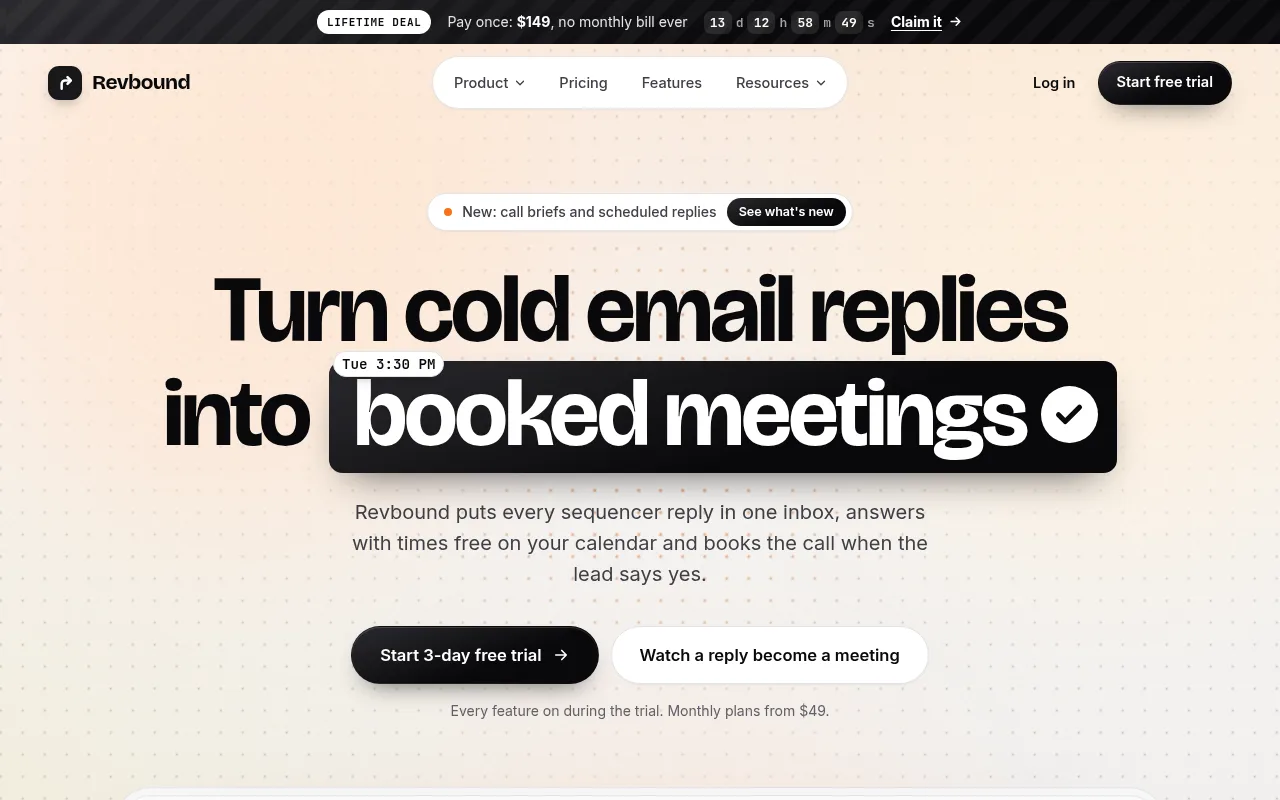
Revbound is our product, so weigh this entry with that in mind. It is a shared inbox for cold email replies only: it pulls replies from Instantly, Smartlead, Email Bison, PlusVibe, SendKit and ArcSend into one list, grouped by client.
The AI tags each reply and drafts an answer that offers two or three free times from Cal.com or Google Calendar. When the lead accepts an offered time, the meeting books itself. Agency adds answers sent within 5 minutes and client reports.
It is not a support desk and not a general team inbox. It does not handle live chat or LinkedIn messages, and it does not send campaigns: your sequencer keeps sending.
Strengths
One inbox for six cold email sequencers
Books meetings from free calendar times
Clients kept apart with roles per person
Weaknesses
Only handles replies from the six listed sequencers
No live chat, SMS or LinkedIn
Smaller and newer than the support tools here
Pricing
Solo $49 a month (300 replies, up to 5 clients), Agency $99 (1,500 replies, up to 10 clients), Connector $149 (5,000 replies, unlimited clients). Extra replies $15 per 1,000. 3-day free trial.
Small support teams that want a free plan and a gentle learning curve
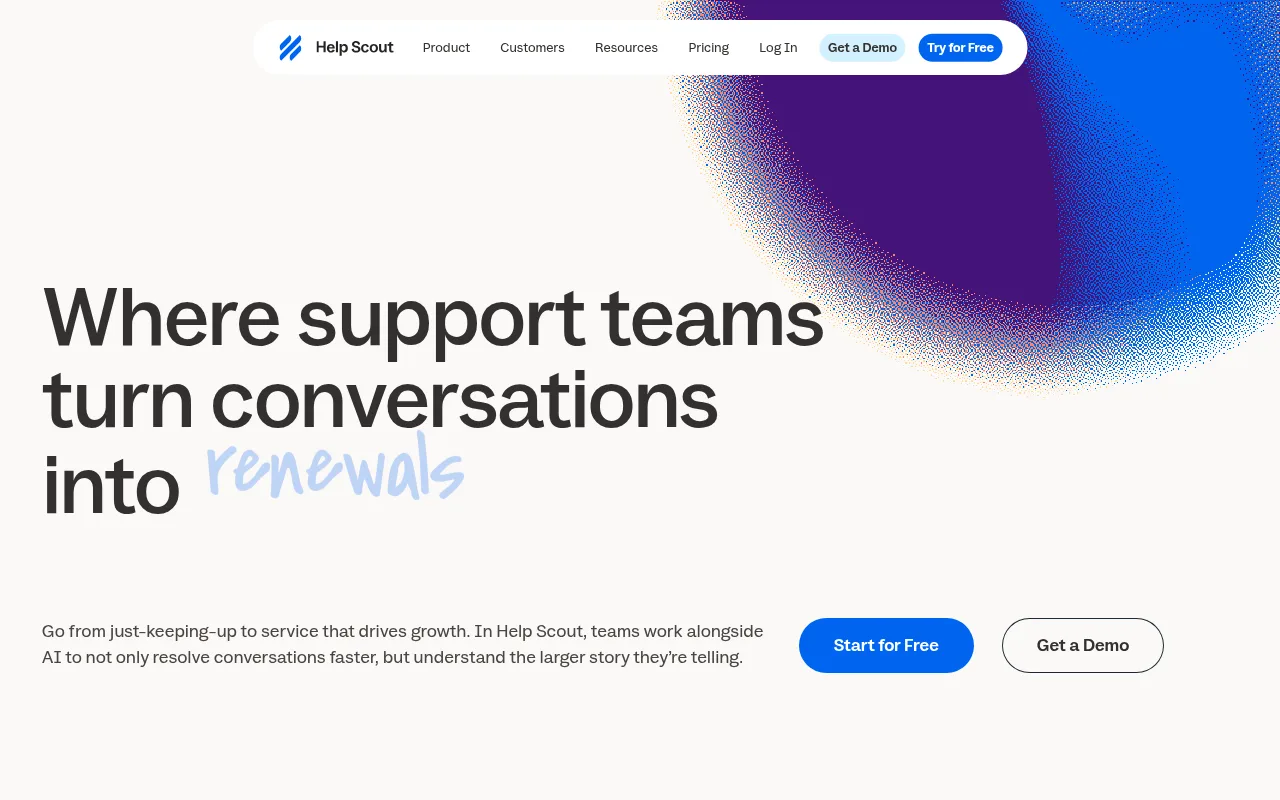
Help Scout homepage
Help Scout is a support platform built around a shared Inbox, with Docs for a help center, plus AI products it calls Envoy, Copilot and Signal.
The Free plan includes 5 users, 1 Inbox and 1 Docs site. Standard adds multiple inboxes, live chat and SMS, saved replies and an AI Inbox assistant. Plus adds round robin routing, unlimited AI Drafts and Salesforce, Jira and HubSpot integrations.
Inbox counts are capped per plan: 2 on Standard, 5 on Plus and 10 on Pro, with extra inboxes at $12 a month on monthly billing.
Strengths
Free plan with 5 users and 1 Inbox
Round robin routing from Plus
15-day free trial of Standard or Plus, no card
Weaknesses
Free plan is limited to 1 Inbox
Extra inboxes cost $10 to $12 a month each
Built for support, not sales replies
Pricing
Free $0. Standard $30 per user a month, $25 billed annually. Plus $54, $45 annually. Pro $90, $75 annually. AI Answers $0.75 per resolution.
4Missive, collaboration
Best for
Small teams that share email, SMS and WhatsApp and want to talk about email in one place
Missive homepage
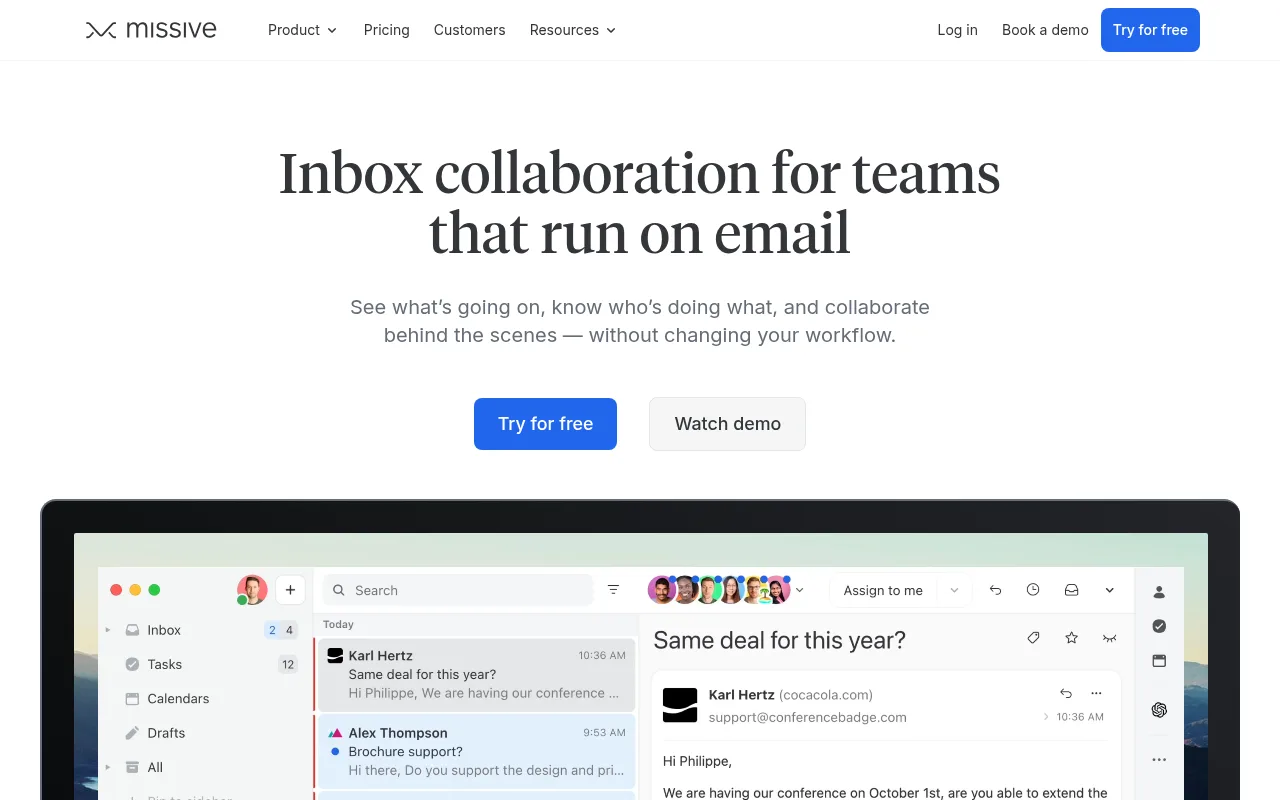
Missive is an email app built for teams. Teammates can discuss an email in internal threads and chat, turn any email into a task and give each team its own shared inbox and space.
Starter covers email, SMS and social accounts, team inboxes and tasks for up to 5 users. Productive raises the cap to 50 users and adds rules, integrations, basic analytics and API and MCP access.
Each user can connect up to 10 personal accounts and 5 shared accounts, so shared account capacity grows with headcount.
Strengths
Internal threads and chat next to your email
30-day free trial of Productive, no card
API and MCP access from Productive
Weaknesses
Starter is capped at 5 users
Rules and integrations need Productive
Shared accounts are limited per user
Pricing
Starter $18 per user a month on monthly billing, $14 billed yearly. Productive $30, $24 yearly. Business $45, $36 yearly.
5Drag, for Gmail
Best for
Gmail teams that want a shared inbox without leaving Gmail
Drag homepage
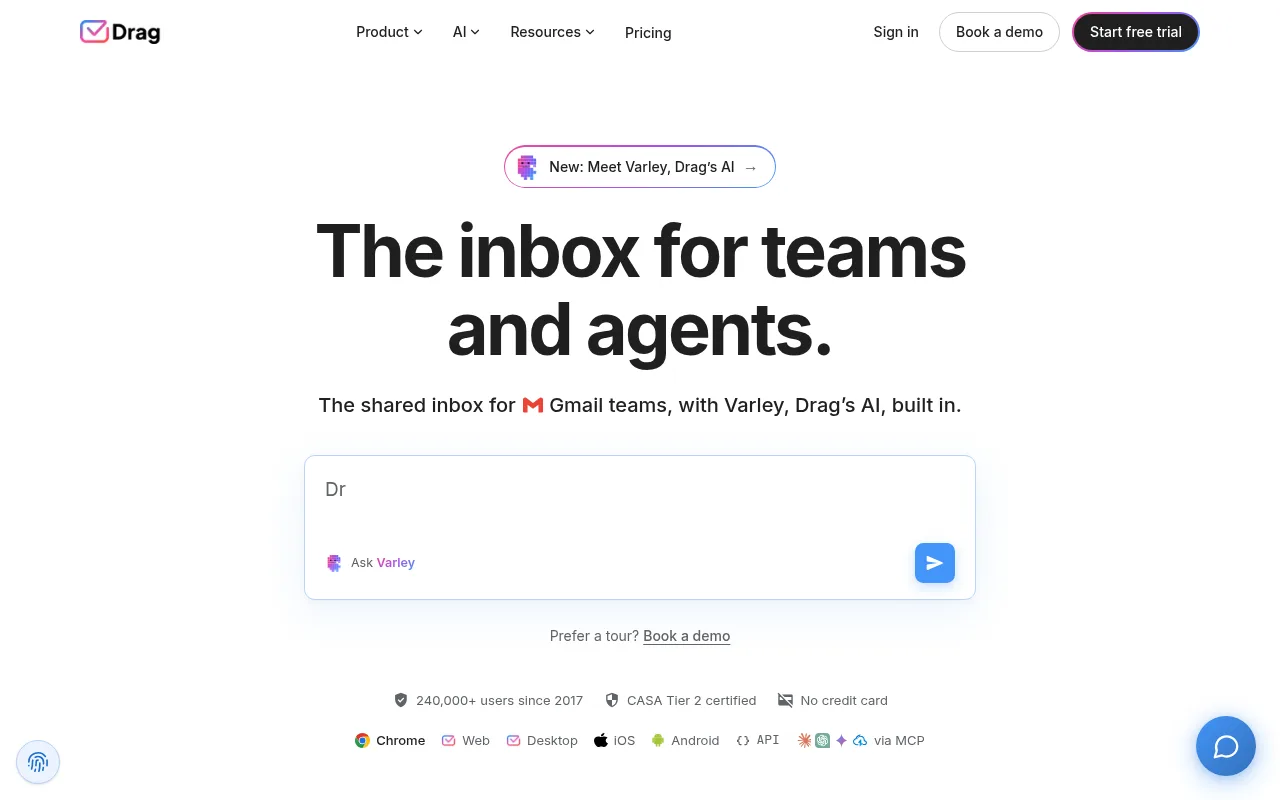
Drag turns Gmail into a shared inbox. Your email stays in Gmail, and shared inboxes appear there as boards your team can work through.
Starter is the shared inbox on its own. Plus includes Varley, Drag's AI, across the inbox, help center and live chat. Pro adds a WhatsApp channel and advanced workflows, with twice the Varley usage of Plus.
Every plan starts with a 7-day free trial, no card required, and the trial includes every Pro feature.
Strengths
Works inside Gmail, so there is little to learn
AI included from the Plus plan
7-day free trial with full Pro access
Weaknesses
Gmail only, no Outlook option
WhatsApp and advanced workflows need Pro
Pricing
Starter $16 per user a month on monthly billing, $12 billed yearly. Plus $22, $18 yearly. Pro $30, $24 yearly.
6Gmelius, for Gmail
Best for
Google Workspace teams that want AI agents working inside Gmail
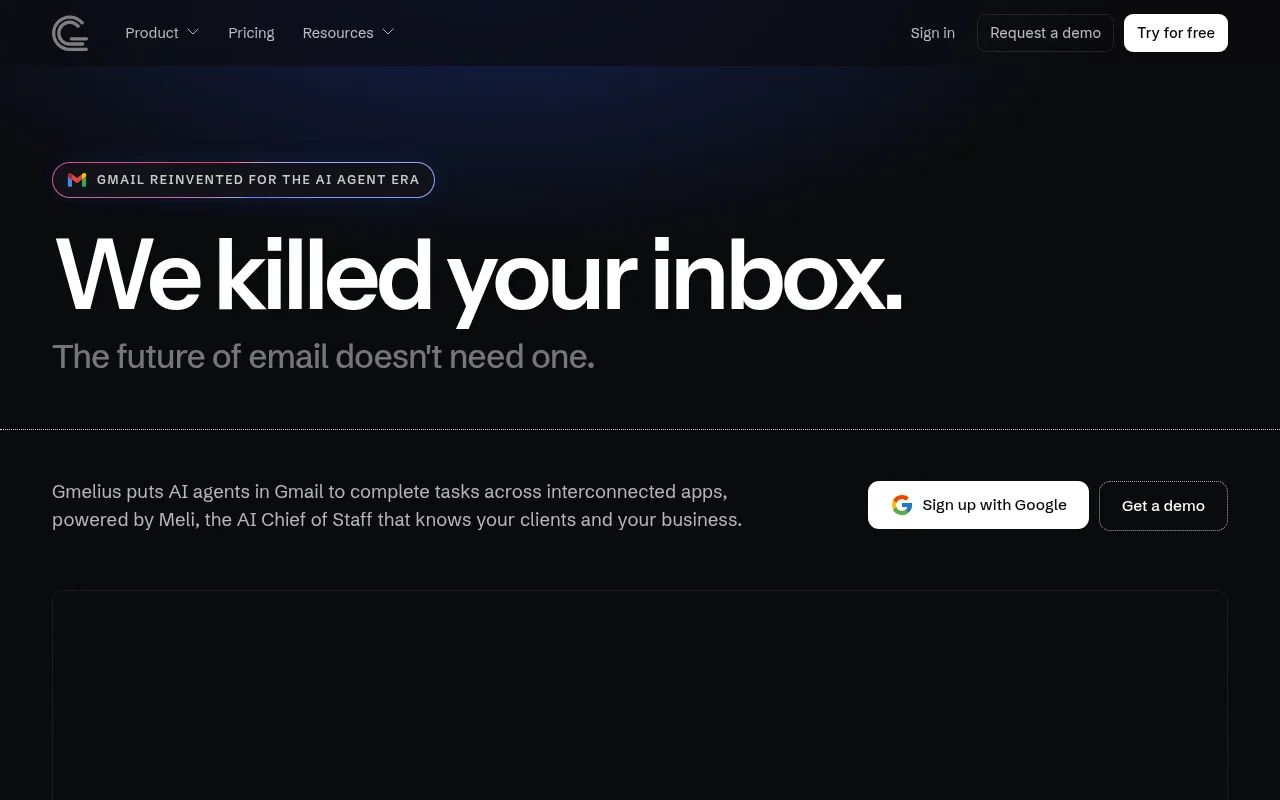
Gmelius homepage
Gmelius adds AI agents and team features to Gmail and Google Workspace. Its homepage pitches agents that read the inbox and update the CRM, send documents or book slots.
The shared inbox lives on the Growth plan: unlimited shared inboxes and labels, automation rules, auto-assignments, shared templates and SLA and email analytics. The cheaper Meli plan is an AI assistant for one person.
Pro adds AI dispatching assistants, CRM integrations, webhooks and higher usage caps. Enterprise needs at least 50 users.
Strengths
Unlimited shared inboxes on Growth
Auto-assignments and SLA analytics
7-day free trial on Meli and Growth
Weaknesses
Gmail and Google Workspace only
Shared inboxes start on Growth, not the entry plan
Pro trial is by request
Pricing
Meli $21 per user a month on monthly billing, $19 yearly. Growth $33, $25 yearly. Pro $50, $40 yearly.
7HelpCrunch, support
Best for
Teams that want live chat, chatbots and a shared inbox in one widget
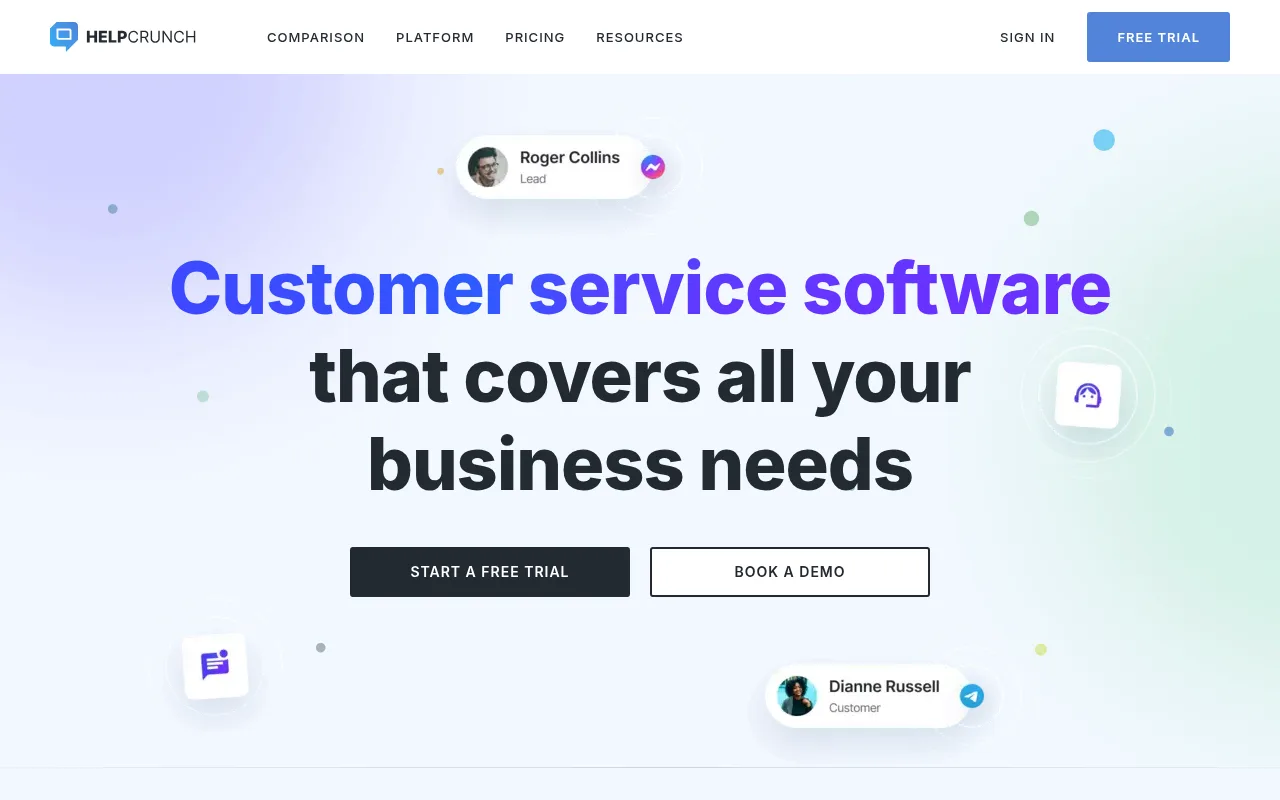
HelpCrunch homepage
HelpCrunch is a customer service platform that brings live chat, email and messengers such as WhatsApp and Instagram into one dashboard, with a chatbot, AI agents and a knowledge base.
Basic and Pro are priced for 1 team member and list no emails. On its pricing page, email volume includes manual replies from the inbox, so check the email allowance before you rely on it as an email inbox.
Unlimited covers unlimited team members and 50,000 emails. Every plan has a free trial with no credit card.
Strengths
Live chat, messengers and email in one dashboard
Chatbot and AI agents included
Free trial, no credit card
Weaknesses
Basic and Pro list no emails
Low plans are priced for one team member
Chat-first rather than email-first
Pricing
Basic $12 a month and Pro $20 a month, each for 1 team member. Unlimited $495 a month for unlimited team members and 50,000 emails.
8HelpSpot, help desk
Best for
Teams that want to replace a shared mailbox with tickets, cloud or self-hosted
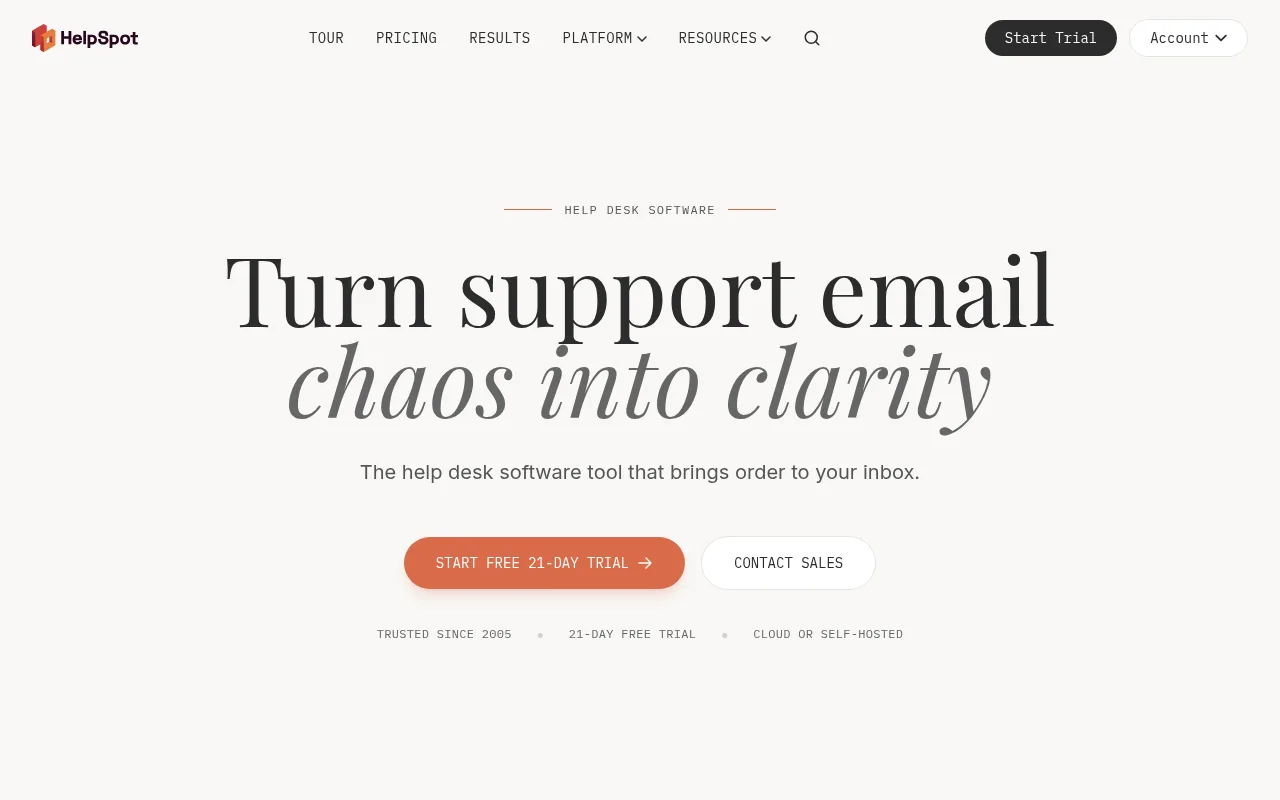
HelpSpot homepage
HelpSpot is help desk software that turns each email into a trackable ticket, with clear ownership and collision detection. Its homepage pitches it for IT, HR, B2B, B2C and maintenance teams.
Pricing is one annual price for everything. The same price applies whether HelpSpot hosts it or you run it on your own servers, and you can connect as many email accounts as you need.
There is a 21-day free trial with no credit card and free onboarding.
Strengths
Cloud or self-hosted at the same price
Unlimited email accounts
21-day free trial and free onboarding
Weaknesses
Sold annually in agent tiers, no monthly option
Ticket-style workflow rather than an email client
Pricing
$2,199 a year for 10 agents, which the page works out as $18.33 per agent a month. Sold annually in tiers.
9Pylon, b2b support
Best for
B2B companies that support customers in Slack, Teams and email
Pylon homepage
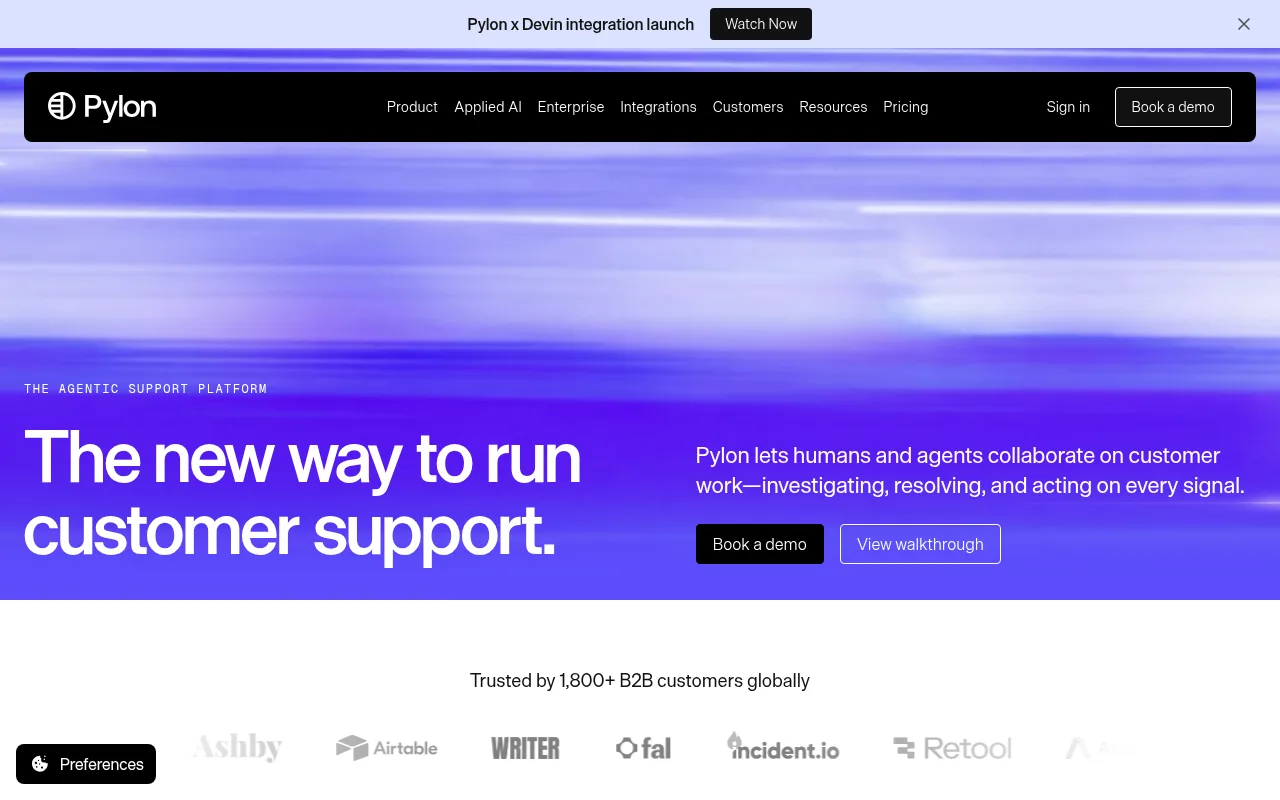
Pylon is a support platform for B2B companies. It brings Slack, Microsoft Teams, email, chat, SMS, WhatsApp and phone into one queue, and its AI agents investigate tickets before your team opens them.
You pay for seats and AI credits, not per ticket. Professional covers core support, analytics, automations, API and integrations. Advanced adds more, including a data warehouse connection.
Phone is an add-on at $35 per seat a month. Free trials are set up through a sales rep.
Strengths
Slack and Teams support channels
AI agents that investigate tickets
Viewer seats on every plan
Weaknesses
Listed prices are for an annual contract
Highest per-seat price on this list
Trial goes through sales
Pricing
Professional $89 per seat and Advanced $139 per seat, both on an annual contract. Enterprise is a custom quote.
10Master Inbox, sales replies
Best for
Sales teams and agencies that want every outbound reply in one place
Master Inbox homepage
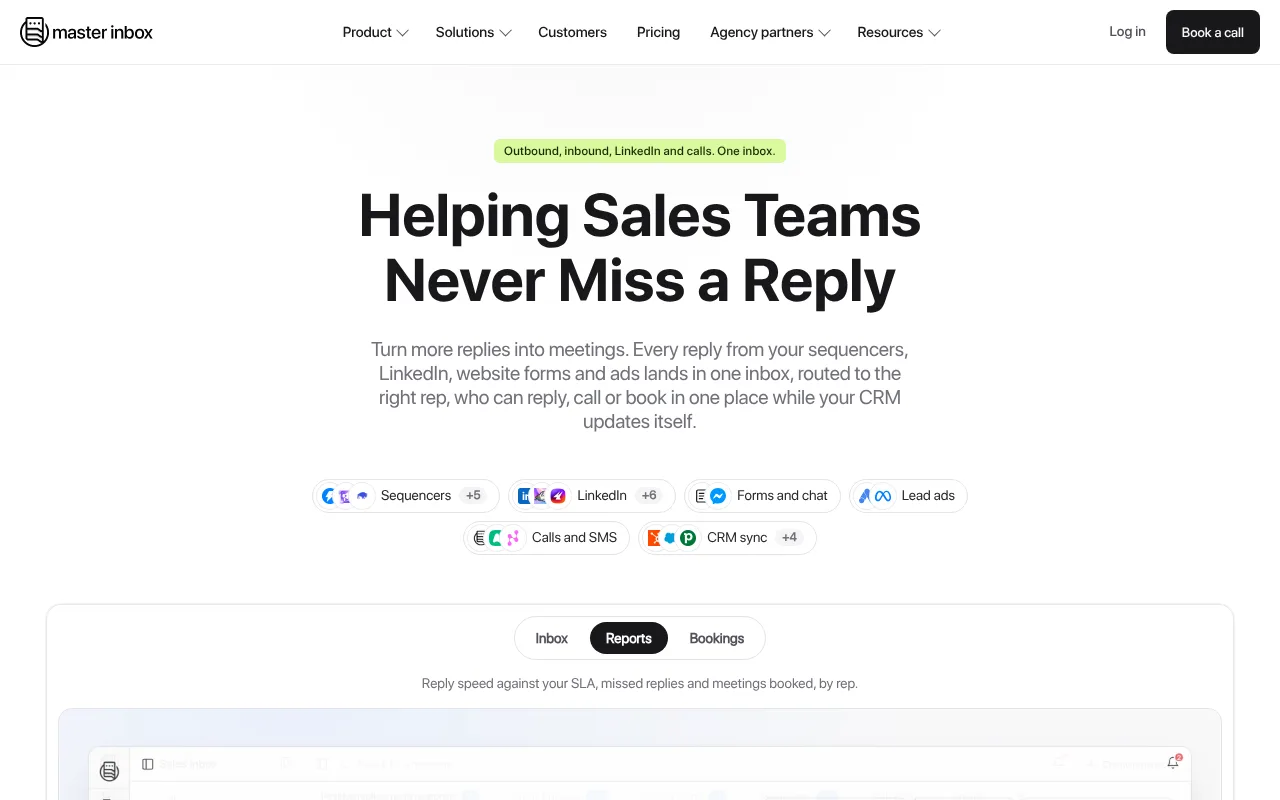
Master Inbox is a reply inbox for outbound sales. Replies from sequencers such as Smartlead, Instantly, EmailBison and lemlist, plus LinkedIn tools such as HeyReach and Expandi, land in one inbox labelled by intent.
The Team plan includes AI labels, reply agents that draft, follow up and book, calendar booking with Google Calendar, Cal.com, Calendly or Chili Piper, and lead assignment by round robin or rule.
The Revenue plan adds two-way CRM sync with HubSpot, Pipedrive, Attio and others. Both plans include unlimited mailboxes and unlimited users.
Strengths
Covers email sequencers and LinkedIn tools
Round robin and rule-based lead assignment
Unlimited users, not priced per seat
Weaknesses
No public prices
Annual plan, billed monthly
Pricing
Not listed. The pricing page says pricing is based on an annual plan, billed monthly, and shared on a short call.
Monthly billing in USD unless noted. AI add-ons, extra inboxes and email volume can cost extra.
Decide
Which option fits you?
Outbound or cold email replies
Start with Revbound (ours): every sequencer reply in one inbox, two or three free calendar times in each draft and automatic booking, from $49 a month with a 3-day free trial. Master Inbox is another sales-reply option if you also need LinkedIn replies.
Small support team
Start on the Help Scout free plan. Move to Front if you need ticketing across many channels.
You share client email
Try Missive for 30 days. Internal threads keep team talk next to the email it is about.
You live in Gmail
Pick Drag for a simple shared inbox, or Gmelius if you want AI agents to act on email.
Customers use Slack
Pylon puts Slack, Teams and email in one queue for B2B support.
Running outbound and still choosing a sender? Our Instantly vs Smartlead comparison covers the two senders most reply inboxes connect to. If you only need replies to reach your team chat, the email to Slack guide shows four ways to forward them.
FAQ
Shared inbox software questions
What is shared inbox software?
Shared inbox software lets a team work from one inbox, such as support@ or sales@, without sharing a password. Each message can be assigned to one person, discussed in private notes and tracked to a reply, so nothing gets answered twice or missed.
What is the best shared inbox software?
For support teams, Help Scout and Front are the usual starting points, and Help Scout has a free plan. Missive suits small teams that also use SMS and WhatsApp. Drag and Gmelius suit Gmail teams. For cold email replies, we recommend Revbound (our product), with Master Inbox as another option.
Is there free shared inbox software?
Yes. Help Scout has a free plan with 5 users, 1 Inbox and 1 Docs site. Most other tools offer a free trial instead: 30 days for Missive, 21 days for HelpSpot, 15 days for Help Scout paid plans and 7 days for Drag and Gmelius.
What is the difference between a shared inbox and a team inbox?
They are usually the same thing. Both describe one inbox that several people work from, with assignment and internal notes. Some vendors use team inbox for a tool that also handles chat, SMS or social messages in the same place.
Can Gmail work as a shared inbox?
Gmail can share an inbox through delegation or Google Groups, but it has no assignment, collision detection or shared drafts. Tools such as Drag and Gmelius add those features inside Gmail, so your team keeps the Gmail interface.
Is a shared inbox good for cold email replies?
A support inbox can hold replies, but it does not connect to cold email sequencers or book meetings. Tools built for sales replies, such as Revbound and Master Inbox, pull replies from tools like Instantly and Smartlead and help turn interested leads into calls.
All product names are trademarks of their owners, and Revbound is not affiliated with them. Prices are published list prices and can change, so confirm them on each vendor's pricing page before you buy.
Three days free
One inbox for every cold email reply
Connect your sequencer and a calendar. Revbound pulls every reply into one inbox, answers interested leads and books the meetings.