The best email client for multiple accounts for most people is Spark, which includes unlimited accounts on its free plan. Thunderbird is the best free pick, eM Client suits Windows and Mac power users, and for cold email teams with many sequencer inboxes, Revbound (ours) is our pick: it unifies replies and books meetings.
An email client for multiple accounts pulls mail from several addresses into one app, ideally with a unified inbox and one search. Free tiers differ most in how many accounts they allow.
Best overall: Spark, with unlimited email accounts on its free plan and apps for Mac, Windows, iOS and Android.
Best free: Thunderbird, which is open source and free forever, with a unified inbox.
Best for Windows and Mac power users: eM Client, unlimited accounts from $24.95 a year.
Best for cold email teams with many sequencer inboxes: Revbound, our product, unifies the replies and books meetings from free calendar times, from $49 a month. It is not a desktop mail client for personal email.
Best on a phone with a few accounts: the Gmail app, which takes up to 5 addresses.
Summary
The best email clients for multiple accounts at a glance
#
Email client
Best for
Platforms
Accounts on free tier
Paid from
1
Spark
Best overall, every device
Mac, Windows, iOS, Android
Unlimited
$10 per user a month
2
eM Client
Windows and Mac power users
Windows, macOS, Android, iOS
2 (home use)
$24.95 a year
3
Revbound (ours)
Cold email teams with many sequencer inboxes
Web app
Sequencer replies
$49 a month
4
Mailbird
Simple desktop unified inbox
Windows, Mac, Android, iOS
1
Regional pricing
5
Thunderbird
Free and open source
Desktop and mobile
All accounts, free
Free
6
Microsoft Outlook
Microsoft 365 users
Desktop, mobile, web
Multiple, with ads
$19.99 a year
7
Canary Mail
AI and security on a budget
Mac, iOS, Android, Windows
Unlimited
$3 a month (yearly)
8
Mailspring
Linux and read receipts
Mac, Windows, Linux
Multiple
$8 a month
9
Gmail app
A few accounts on your phone
Android, iPhone, iPad
Up to 5
Free
Prices are the lowest paid plan on each vendor's pricing page on 9 Nov 2026. Per-user prices are monthly billing unless noted.
Method
What to look for
Almost every email app can add a second account. The differences show up at five, ten or twenty accounts, so we compared the clients on these points.
Unified inbox
One list for every account, so you do not click through each inbox in turn.
Free account limit
Free tiers range from 1 account to unlimited. Check this before you set anything up.
Platforms
Some clients are desktop only. If you read mail on a phone too, pick one that runs on both.
Search across accounts
One search over all accounts saves the most time once you pass three inboxes.
Price model
Prices are per user a month, per year or per device. Compare the yearly cost, not the headline.
Prices and features come from each vendor's own homepage, pricing page or help page, fetched on 9 Nov 2026. We did not hands-on test every app for this update.
Reviews
8 email clients reviewed
1Spark, cross-platform
Best for
People who want one smart inbox for many accounts on every device
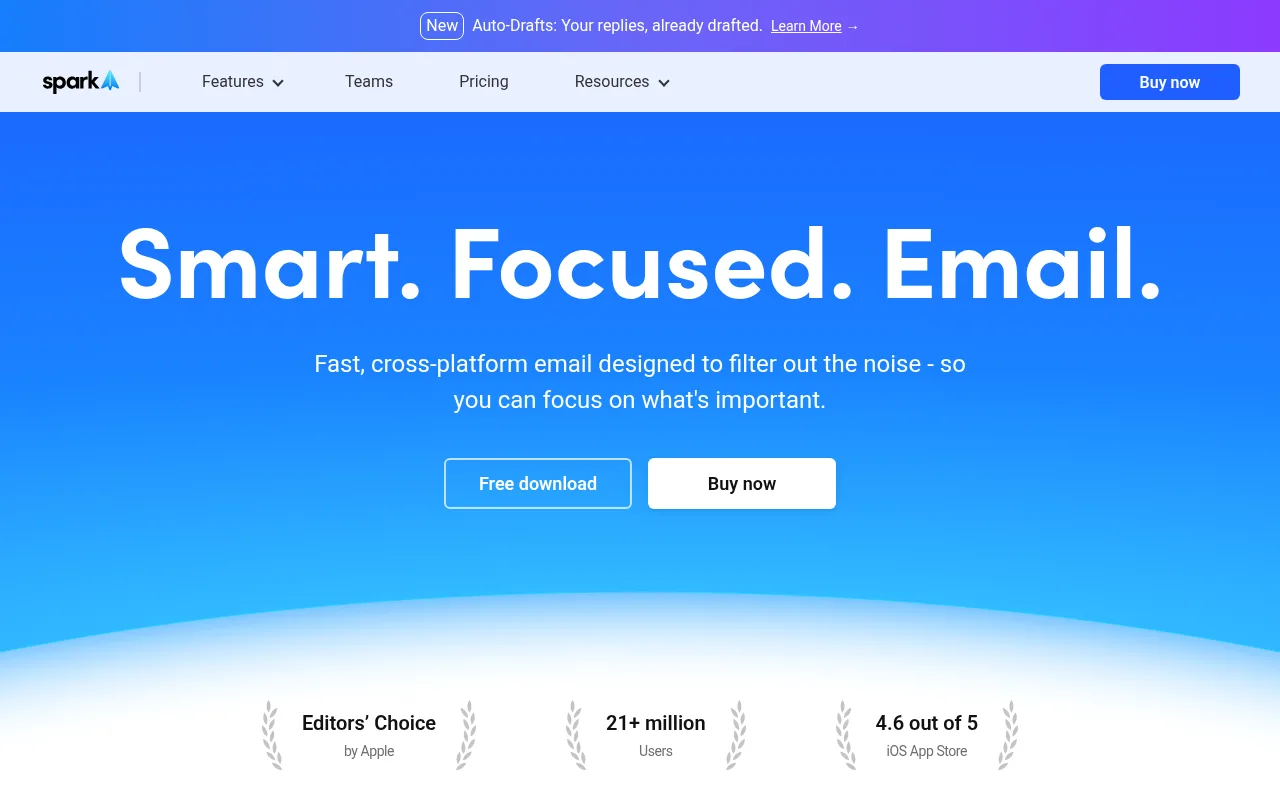
Spark homepage
Spark is a cross-platform email app built around a Smart Inbox that sorts mail by priority and groups newsletters and notifications. Its pricing page pitches the Free plan for individuals who want a better way to manage multiple accounts.
The Free plan includes unlimited email accounts and a unified inbox, plus snooze, send later and reminders. A paid subscription unlocks features on every device you use, and the pricing page names iOS, Windows, Mac and Android.
Plus adds Spark +AI, an AI Assistant, templates and 40 AI meeting notes a month. Pro adds Autopilot, Auto-Drafts, read statuses and a HubSpot integration, and teams get shared threads, assignments and shared inboxes.
Strengths
Unlimited email accounts on the Free plan
Unified inbox and Smart Inbox
Team features such as shared threads and assignments
Weaknesses
AI features need Plus or Pro
Free plan allows 2 active collaborators
Enterprise pricing is by request
Pricing
Free $0. Plus $10 per user a month on monthly billing, or $99 a year. Pro $20 per user a month, or $199 a year. Enterprise on request.
2eM Client, desktop
Best for
Windows and Mac users who want email, calendar, contacts and tasks in one app
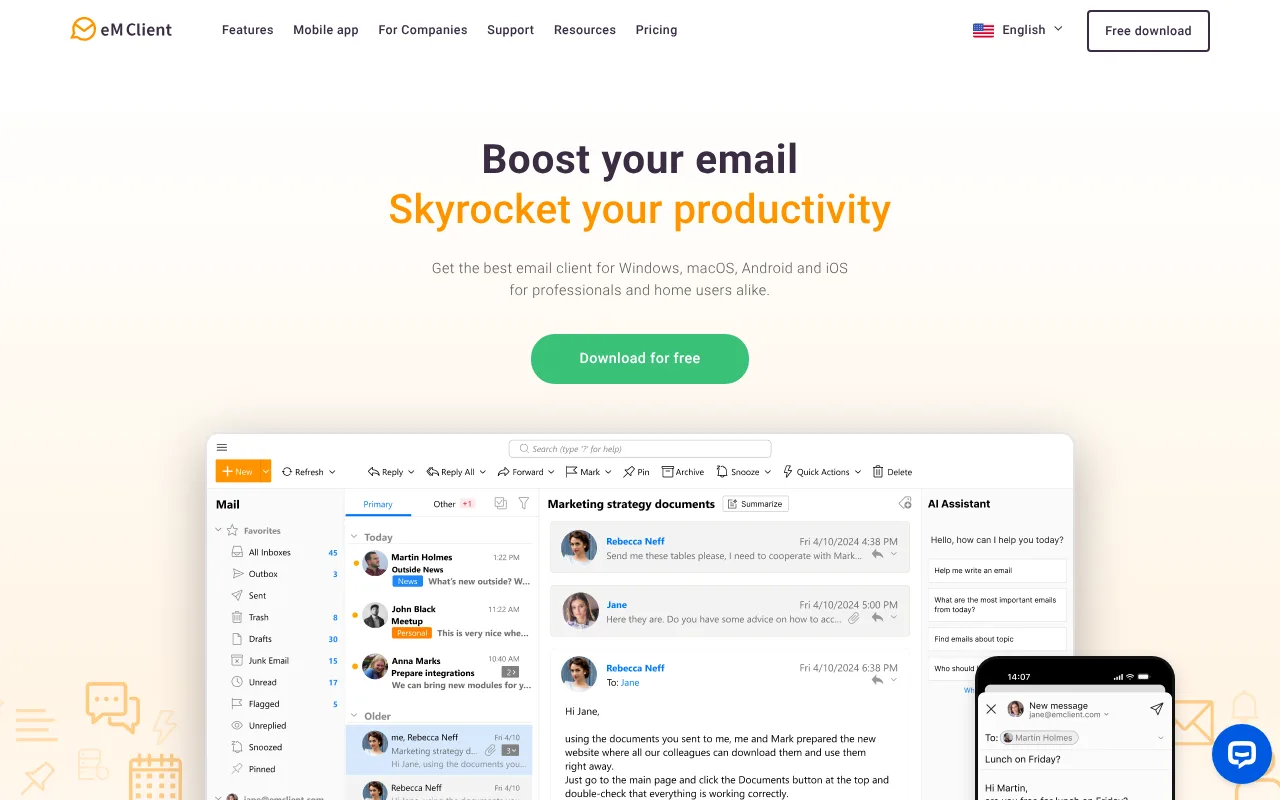
eM Client homepage
eM Client is a desktop email client for Windows and macOS with calendar, contacts, tasks and notes in the same app. Its Android and iOS apps do not need a license and are free to use.
The free license is for home use on 1 device and allows 2 email accounts. Personal and Business licenses allow unlimited email accounts, and both include the AI Add-on.
It has the power tools heavy users look for: Gmail labels and Exchange categories, global and search folders, mass mail, send later, undo send, snooze and a backup tool.
Strengths
Unlimited accounts from the Personal license
Mobile apps are free
30-day free trial and 30-day money-back guarantee
Weaknesses
Free license covers only 2 accounts on 1 device
Personal is for individual use only
Business is sold per device
Pricing
Free $0 for home use. Personal $24.95 a year for one person on up to 3 devices. Business $135.95 a year at the default device count shown, which the page works out as $13.59 per device. One-time payment licenses are also offered.
3Revbound, cold email replies Our product
Best for
Cold email teams with many sequencer inboxes who need the replies unified and meetings booked (not a desktop mail client for personal email)
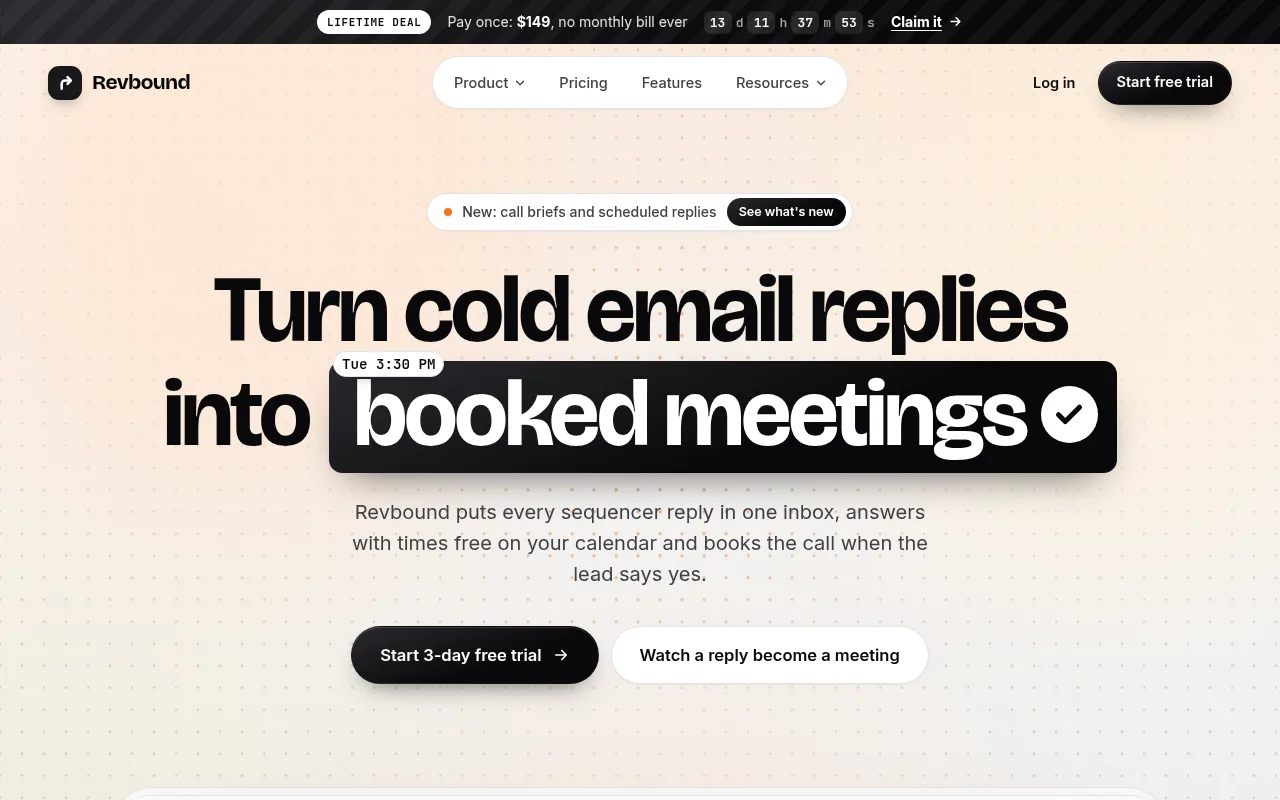
Revbound homepage
Revbound is our product, so weigh this entry with that in mind. It is not a general email client. It pulls cold email replies from Instantly, Smartlead, Email Bison, PlusVibe, SendKit and ArcSend into one list, grouped by client.
The AI reads and tags each reply, then drafts an answer that offers two or three free times from Cal.com or Google Calendar. When the lead accepts an offered time, the meeting books itself.
Answers go out through the mailbox the lead wrote to, so threads stay intact.
Strengths
One reply inbox for six cold email sequencers
Books meetings from free calendar times
Clients kept apart with roles per person
Weaknesses
Not an email client for personal or work mail
Only reads replies from the six listed sequencers
Solo plan connects 1 sequencer account
Pricing
Solo $49 a month (300 replies, 1 sequencer account), Agency $99 (1,500 replies, unlimited sequencer accounts and seats), Connector $149 (5,000 replies). Extra replies $15 per 1,000. 3-day free trial.
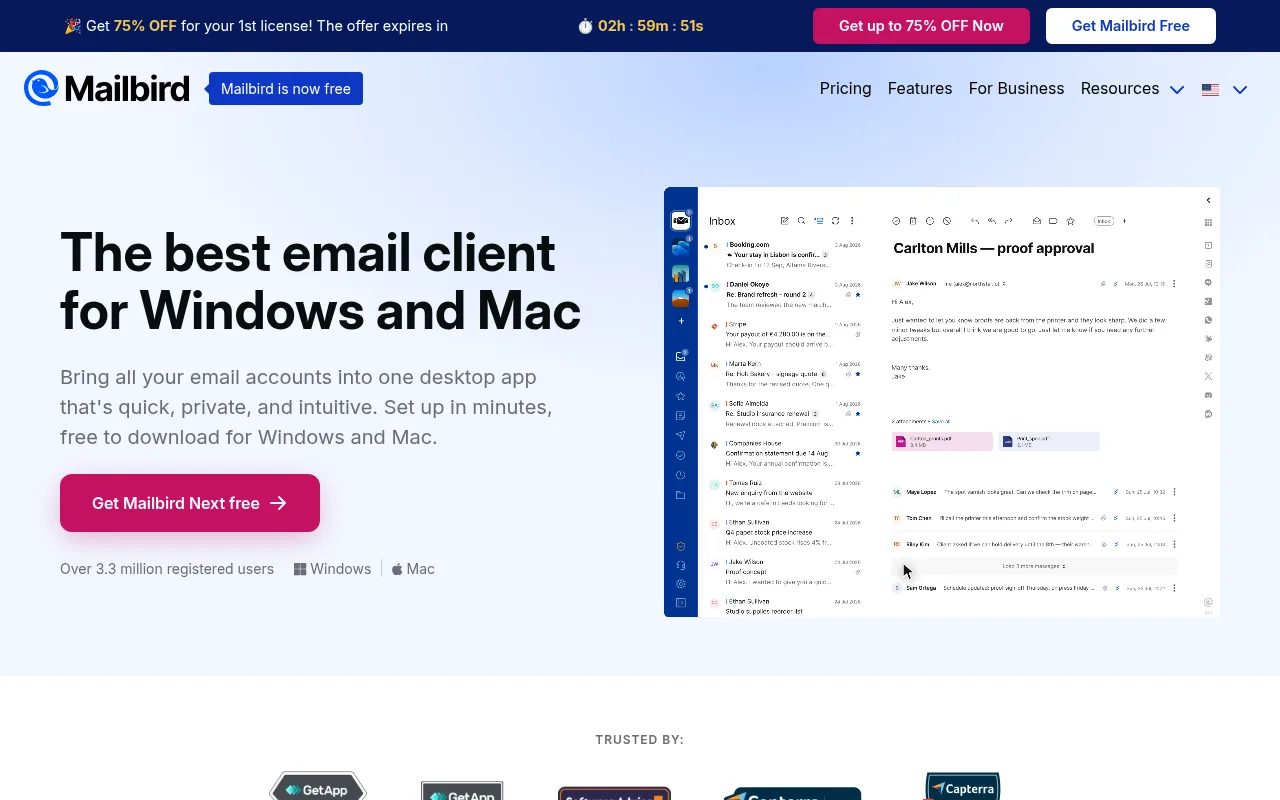
Windows and Mac users who want a simple unified inbox
Mailbird homepage
Mailbird is a desktop email client for Windows and Mac. Its homepage says it brings all your email accounts into one desktop app with a single inbox, and one search covers every account at once.
The free version has no time limit and works with one email account. Premium adds unlimited accounts, email tracking, templates, filters and rules, and each new account gets Premium free for the first 7 days.
Mailbird Next is the newer app, and the homepage says its Android and iOS apps are out now. One license covers both Windows and macOS.
Strengths
Unified inbox and search across accounts
One license for Windows and Mac
14-day money-back guarantee
Weaknesses
Free version is limited to one account
Pricing page shows prices in local currency by region
Pricing
Free for one account. Premium is sold as a yearly plan or a one-time payment per user. The pricing page showed us prices in local currency for our region, so check it for your own price.
5Thunderbird, free and open source
Best for
Anyone who wants a capable multi-account client that costs nothing
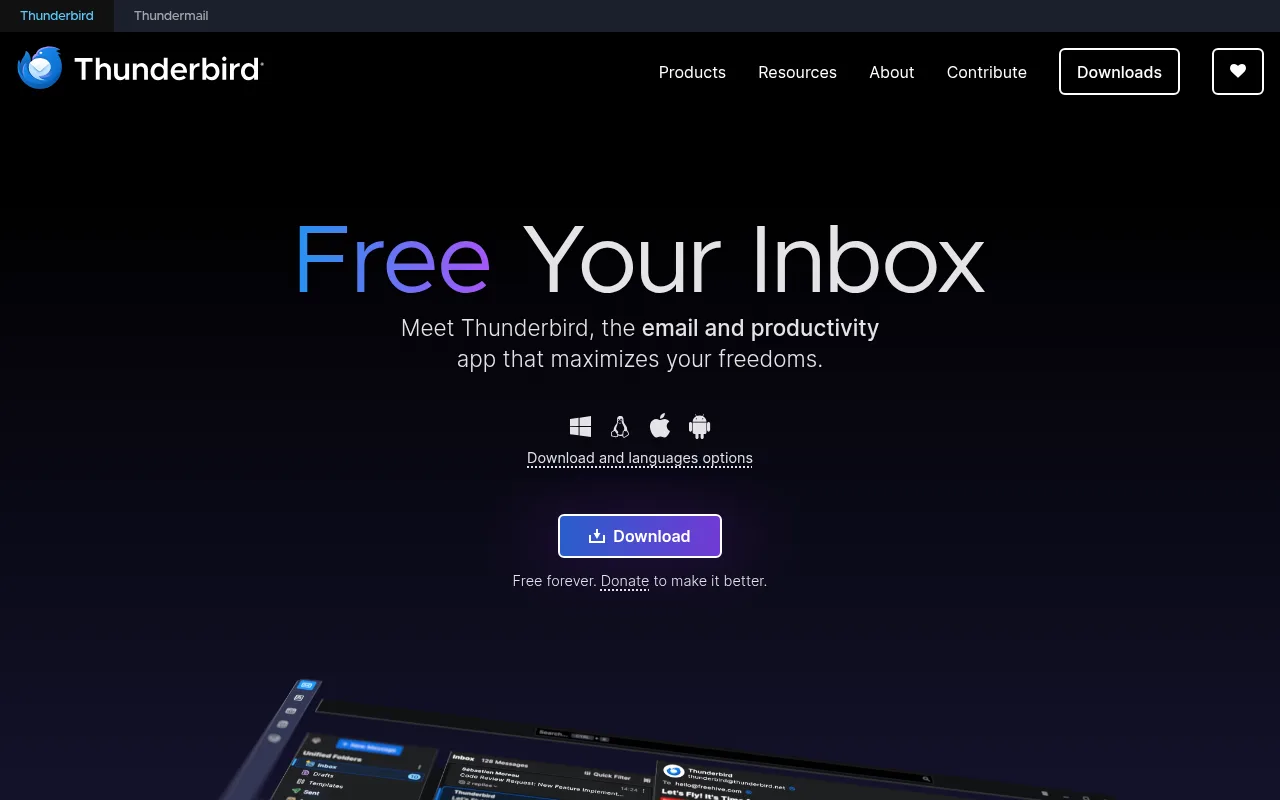
Thunderbird homepage
Thunderbird is a free, open source email app from the Mozilla family. It handles messages, calendars and contacts in one app, and you can manage all accounts separately or in a unified inbox.
It is funded by user donations, and its homepage says it does not collect personal data, sell ads in your inbox or train AI on your private conversations.
It is highly customisable with add-ons, and Thunderbird Mobile brings the same open source approach to your phone.
Strengths
Free forever, with no paid tier
Unified inbox or separate accounts
No ads and no data collection, by its own policy
Weaknesses
No built-in AI assistant like paid apps
Setup and settings take more tinkering
Pricing
Free. Donations are optional.
6Microsoft Outlook, Microsoft 365
Best for
People who already use Microsoft 365 or need Outlook for work
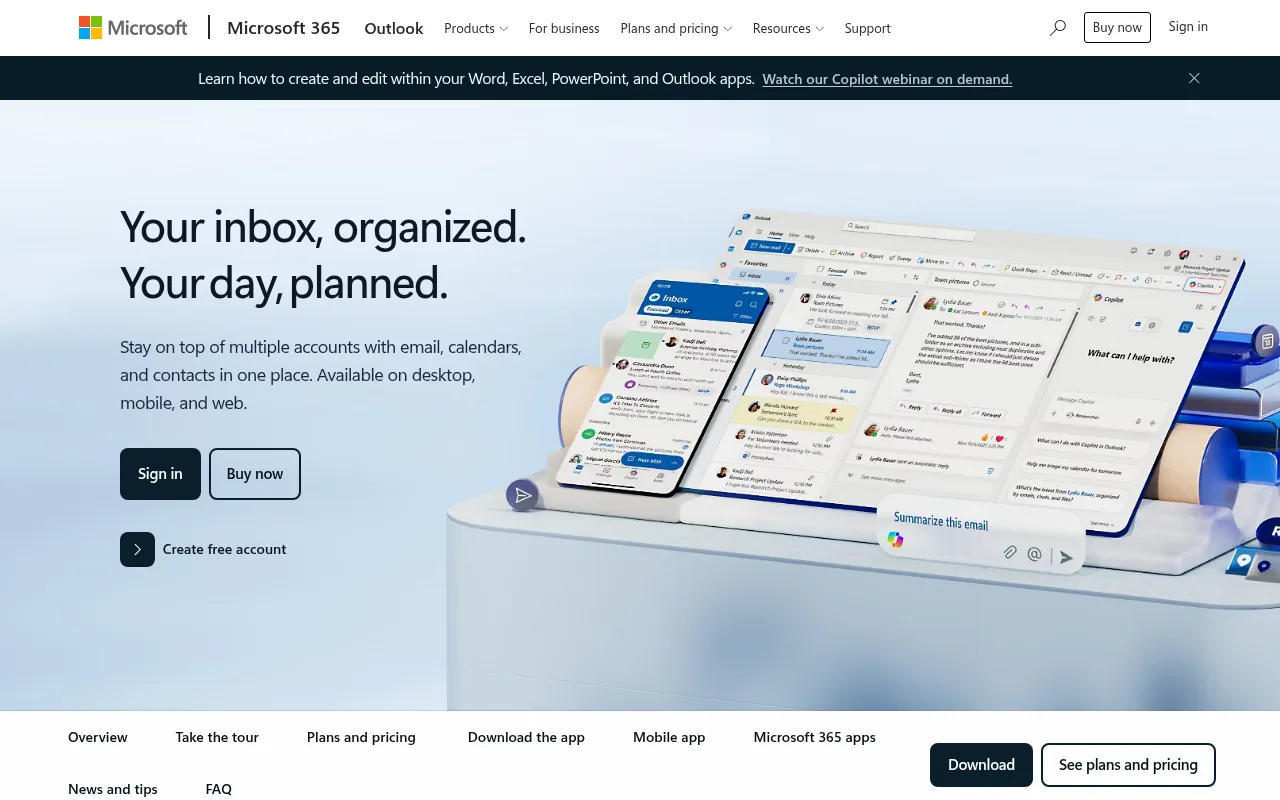
Microsoft Outlook product page
Outlook's own page says it helps you stay on top of multiple accounts with email, calendars and contacts in one place, on desktop, mobile and web.
The free Outlook account includes email and calendar on web, desktop and mobile apps, spam filters and 15 GB of mailbox storage. The free version shows ads.
Microsoft 365 Basic removes the ads and raises mailbox storage to 100 GB. Microsoft 365 Personal adds the Word, Excel, PowerPoint, Outlook and OneNote desktop apps with Copilot.
Strengths
Free account on web, desktop and mobile
Calendar and contacts in the same app
Copilot in Microsoft 365 Personal
Weaknesses
Free version includes ads
Best features sit inside a Microsoft 365 plan
Pricing
Free with ads. Microsoft 365 Basic $19.99 a year. Microsoft 365 Personal $99.99 a year or $9.99 a month. Microsoft 365 Family $129.99 a year.
7Canary Mail, cross-platform
Best for
People who want AI and strong security across Mac, iPhone, Android and Windows
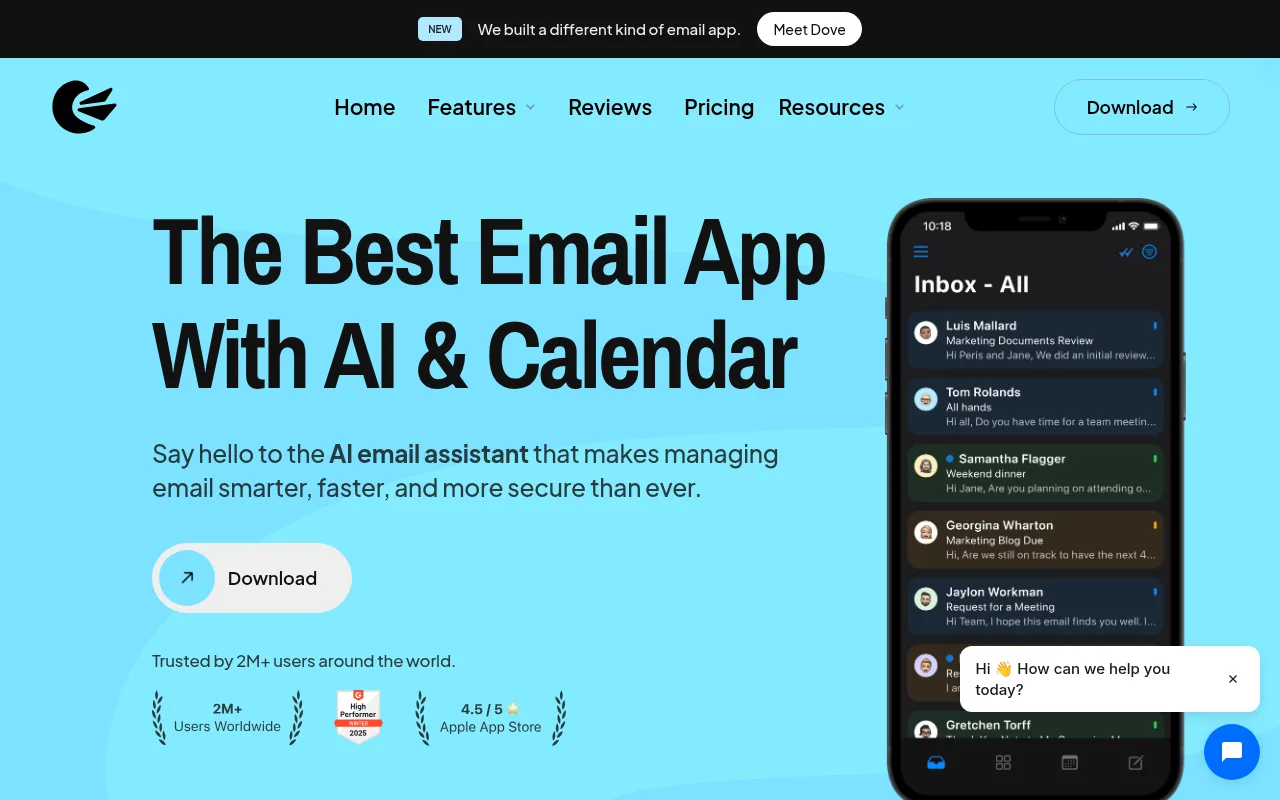
Canary Mail homepage
Canary Mail is an email app for Mac, iOS, Android and Windows. Its homepage pitches one inbox for all your email accounts plus an AI email assistant.
The Free plan includes unlimited mail accounts, a unified inbox, snooze, templates and lite read receipts on 2 devices. Growth adds AI Copilot, send later, calendar and an inbox cleaner on 5 devices.
Pro+ adds PGP and SecureSend encryption, phishing and impersonation detection and priority support. A single user license covers all platforms.
Strengths
Unlimited mail accounts on the Free plan
7-day free trial with no credit card
Encryption options on Pro+
Weaknesses
Free plan is limited to 2 devices
Paid plans are shown billed yearly
Pricing
Free $0. Growth $3 a month, billed yearly at $36. Pro+ $10 a month, billed yearly at $100. A lifetime option is also listed.
8Mailspring, desktop
Best for
Mac, Windows and Linux users who want a fast desktop client with read receipts
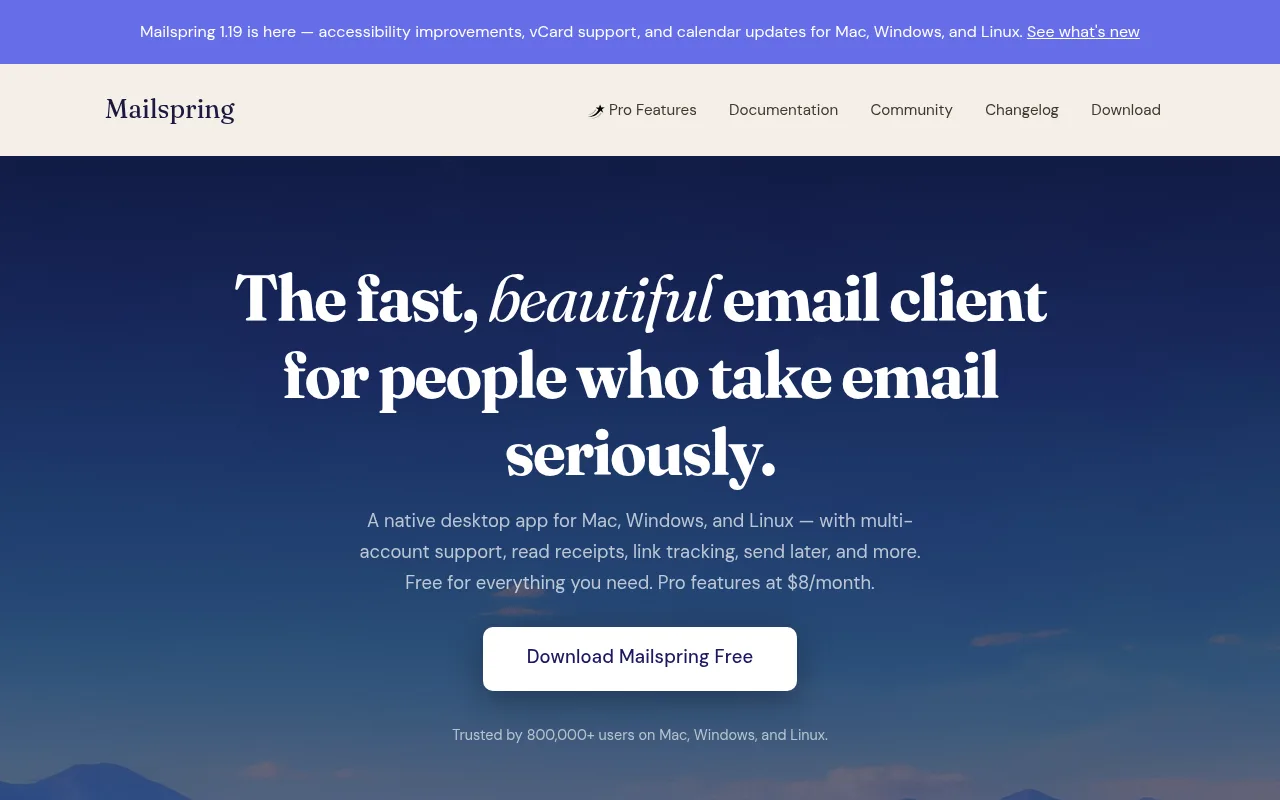
Mailspring homepage
Mailspring is a native desktop app for Mac, Windows and Linux with multi-account support and a unified inbox. It supports Gmail, iCloud, Office 365, FastMail, Outlook.com, Yahoo and any IMAP/SMTP account.
It indexes your mail so you can run Gmail-style search queries across all connected accounts at once.
Mailspring Pro adds read receipts, link tracking, follow-up reminders, send later, templates, contact profiles and company overviews.
Strengths
Free core app with multiple accounts
Runs on Linux as well as Mac and Windows
Search across all accounts
Weaknesses
No mobile app listed on its site
Tracking and send later need Pro
Pricing
Free. Mailspring Pro $8 a month.
9Gmail app, mobile
Best for
Phone users with a few Gmail, Outlook or iCloud addresses
Gmail app product page
The Gmail app for Android, iPhone and iPad can hold more than your Gmail address. Google's help page says you can add another Gmail address or a non-Gmail address such as Outlook, iCloud Mail or Yahoo.
You can add up to 5 email addresses, and you switch between accounts from your profile picture in the app.
It is free and already on most Android phones. Gemini in Gmail can draft and polish replies.
Strengths
Free, and often already installed
Works with Outlook, iCloud and Yahoo addresses
Gemini drafting help
Weaknesses
Up to 5 email addresses
Built around one account at a time
Pricing
Free.
Another reply inbox in this space is Master Inbox. We compare the two in our Master Inbox alternative page. For simple out-of-office or holding replies on a normal Gmail account, see our Gmail auto reply guide.
Decide
Which option fits you?
You want it free
Start with Thunderbird on desktop, or Spark or Canary Mail if you also want phone apps.
You use Windows and Mac
Try eM Client for 30 days. Mailbird is the simpler choice if you want fewer settings.
You run cold email
Pick Revbound (ours). Keep sending in your sequencer; replies from all your sequencer inboxes land in one inbox, with free calendar times offered and meetings booked. From $49 a month, 3-day free trial.
You live in Microsoft 365
Stick with Outlook. Your work account, calendar and Copilot are already there.
You are mostly on your phone
Use the Gmail app for up to 5 addresses, or Spark for more.
FAQ
Email client for multiple accounts: questions
What is the best email client for multiple accounts?
For most people, Spark is the best email client for multiple accounts: its free plan includes unlimited email accounts and a smart inbox, and it runs on Mac, Windows, iOS and Android. Thunderbird is the best fully free option, and eM Client suits Windows and Mac power users.
What is the best email app for multiple accounts on Android?
Spark, Canary Mail, eM Client and Outlook all run on Android and handle several accounts. If you only have a few Gmail or Outlook addresses, the free Gmail app lets you add up to 5 email addresses, including non-Gmail ones.
What is the best email app for multiple accounts on iPhone?
Spark and Canary Mail are strong picks on iPhone, and both include unlimited accounts on their free plans. The Gmail app works too for up to 5 addresses, and eM Client's iOS app is free to use without a license.
Is there a free email client for multiple accounts?
Yes. Thunderbird is free forever and open source. Spark and Canary Mail have free plans with unlimited email accounts. Mailspring is free with optional Pro features, eM Client's free license covers 2 accounts and Mailbird's free version covers 1.
Can I manage multiple Gmail accounts in one inbox?
Yes. Any client on this list with a unified inbox, such as Spark, Thunderbird, Mailbird or Mailspring, can show several Gmail accounts in one list. The Gmail app lets you switch between up to 5 addresses.
How do cold email teams manage 20 or more inboxes?
Most do not open the sending mailboxes in an email client at all. The sequencer sends from every mailbox, and the replies are pulled into one reply inbox. Revbound, our product and our pick here, does this for Instantly, Smartlead, Email Bison, PlusVibe, SendKit and ArcSend.
All product names are trademarks of their owners, and Revbound is not affiliated with them. Prices are published list prices and can change, so confirm them on each vendor's pricing page before you buy.
Three days free
One inbox for every cold email reply
Connect your sequencer and a calendar. Revbound pulls every reply into one inbox, answers interested leads and books the meetings.